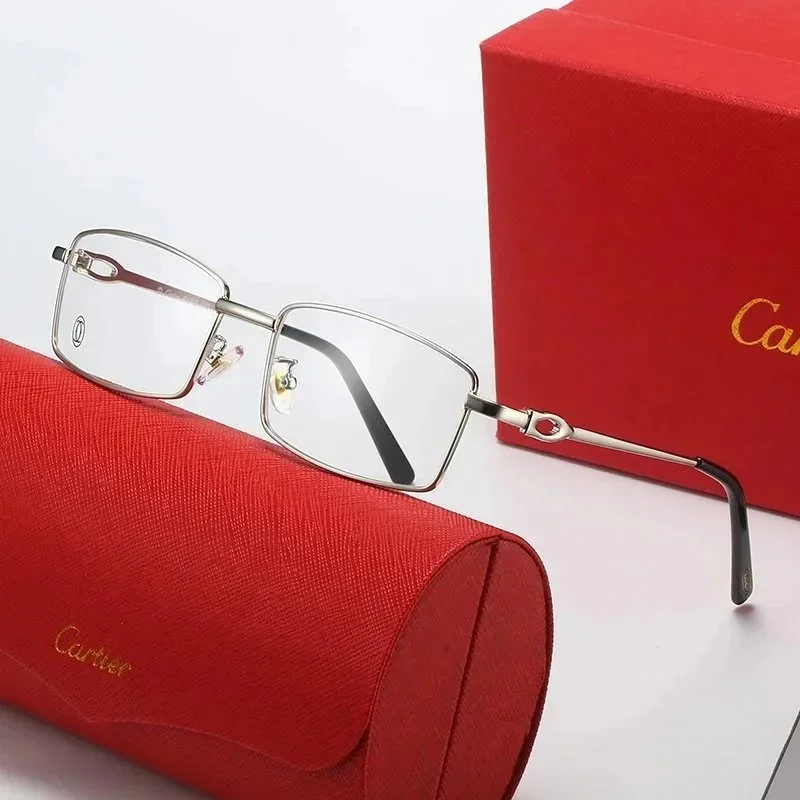
01Keep lens width, bridge width and temple length together
Ray-Ban’s size guide explains frame size through lens and bridge width in millimetres. Start with a pair that already fits you, record its printed dimensions and ask for the corresponding fields for the selected listing. Also keep temple length and the bridge or nosepad design in your comparison.
A frame number is not a guarantee of fit. Compare how the bridge sits, whether the temples reach comfortably and how much of the face the frame covers. Use the reference as a starting point, then resolve missing dimensions with the seller.
Method reference: Ray-Ban: frame size, coverage and bridge fit ↗
02Confirm what lenses the chosen option actually includes
Distinguish an optical frame, a frame with demonstration lenses and sunglasses with a stated lens specification. Ask for documentation for the exact lens option when UV protection or polarisation affects your choice. Lens colour and darkness do not establish those properties.
If you intend to fit prescription lenses, confirm with your chosen optical provider whether it can work with this exact frame before ordering. Keep the frame model, dimensions and construction with the question. A catalog image cannot settle lens compatibility.
03Request views of hinges, lenses and the printed size
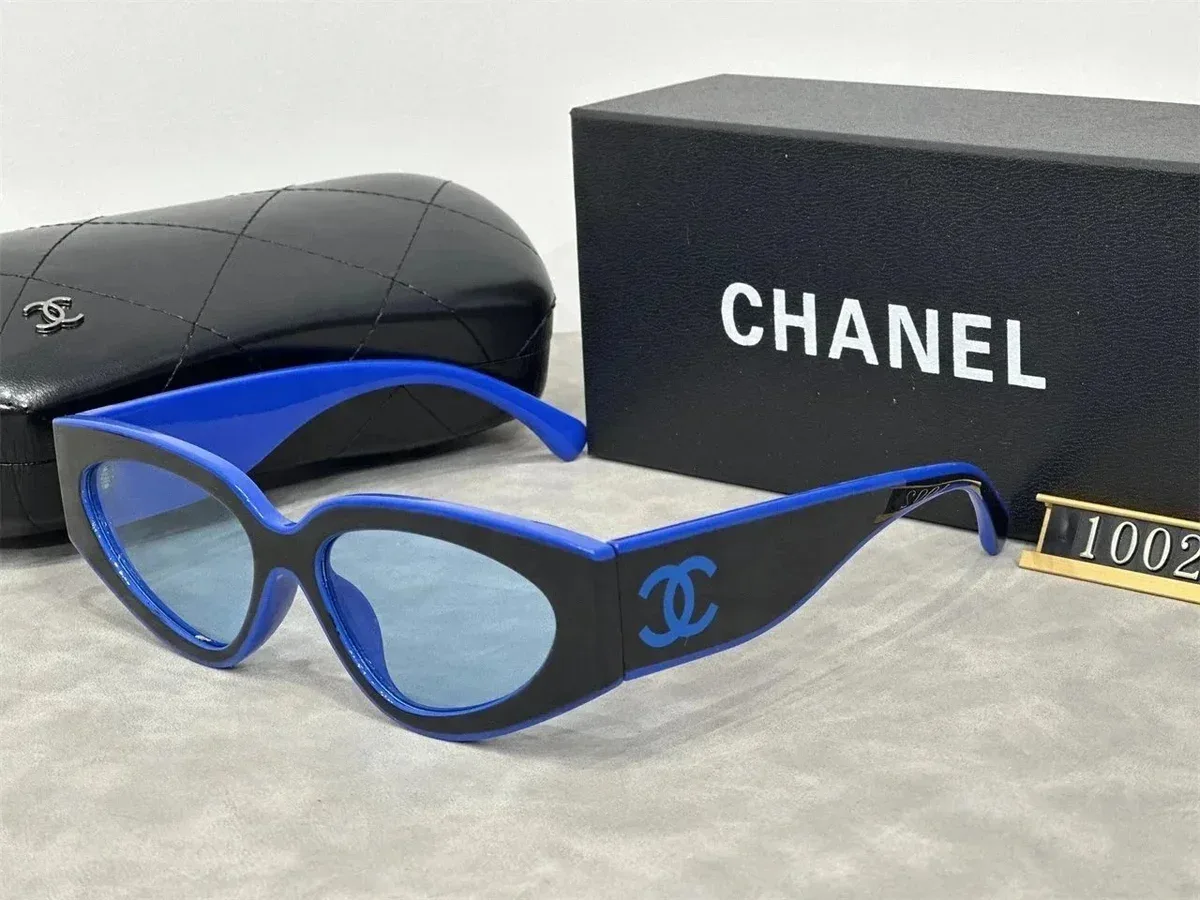
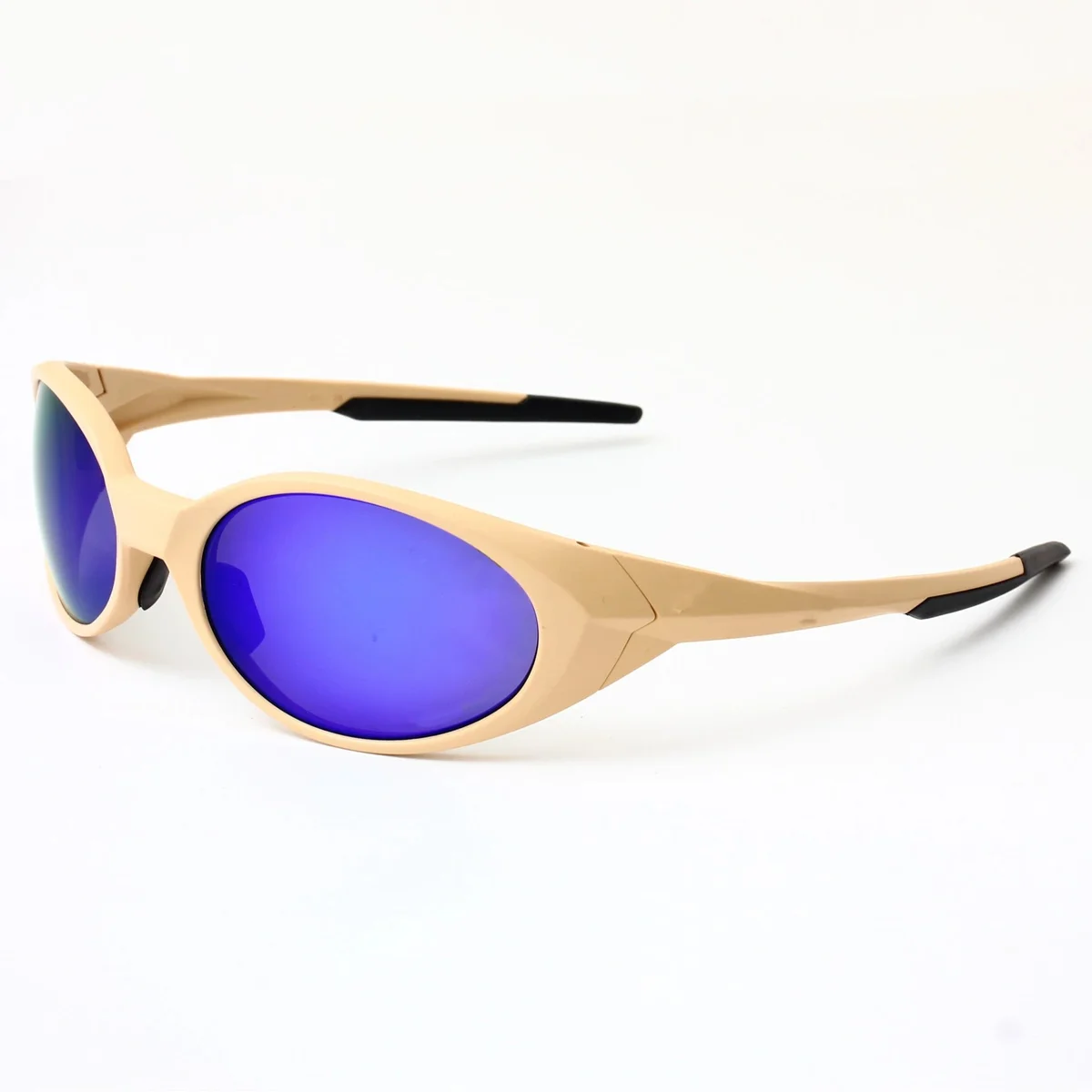
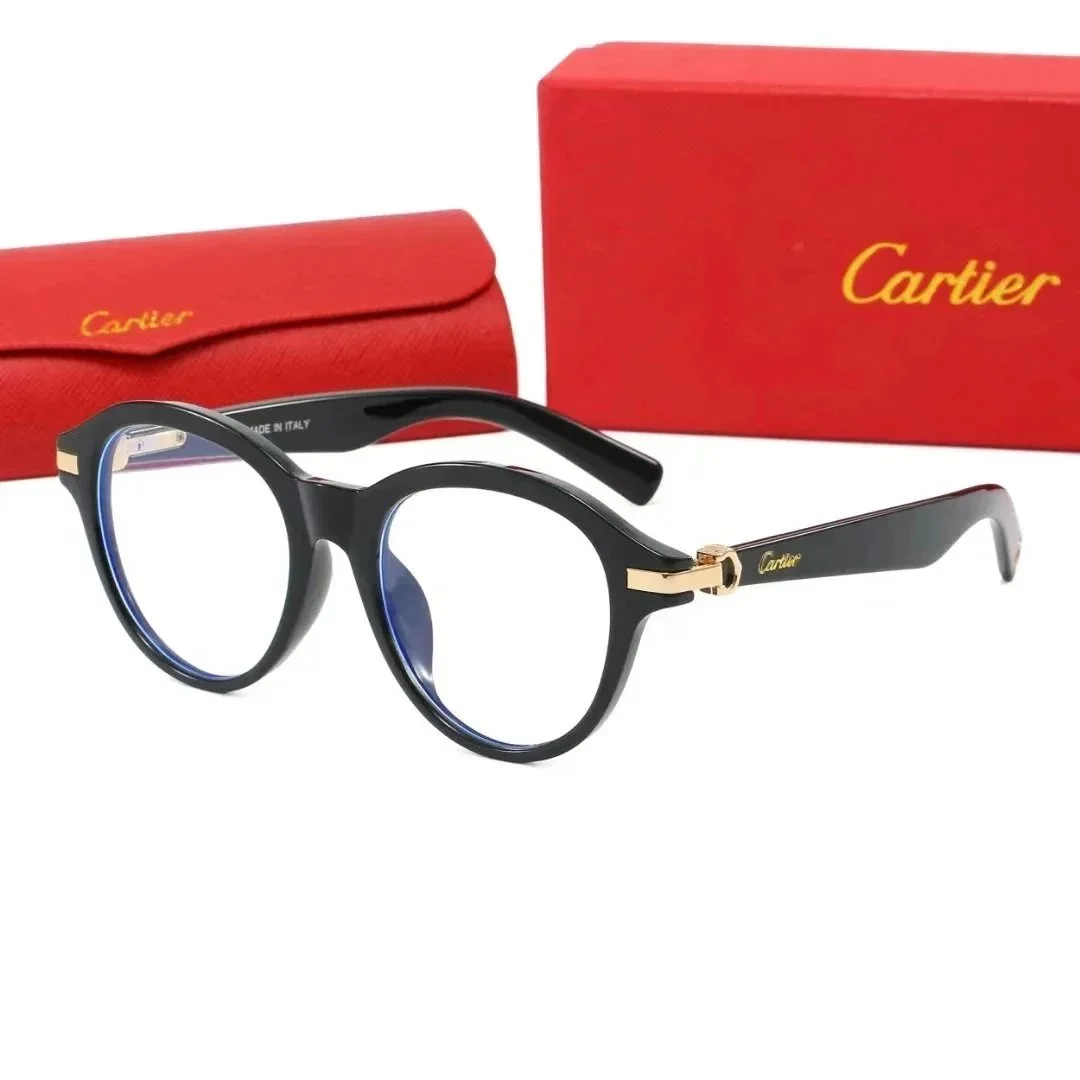
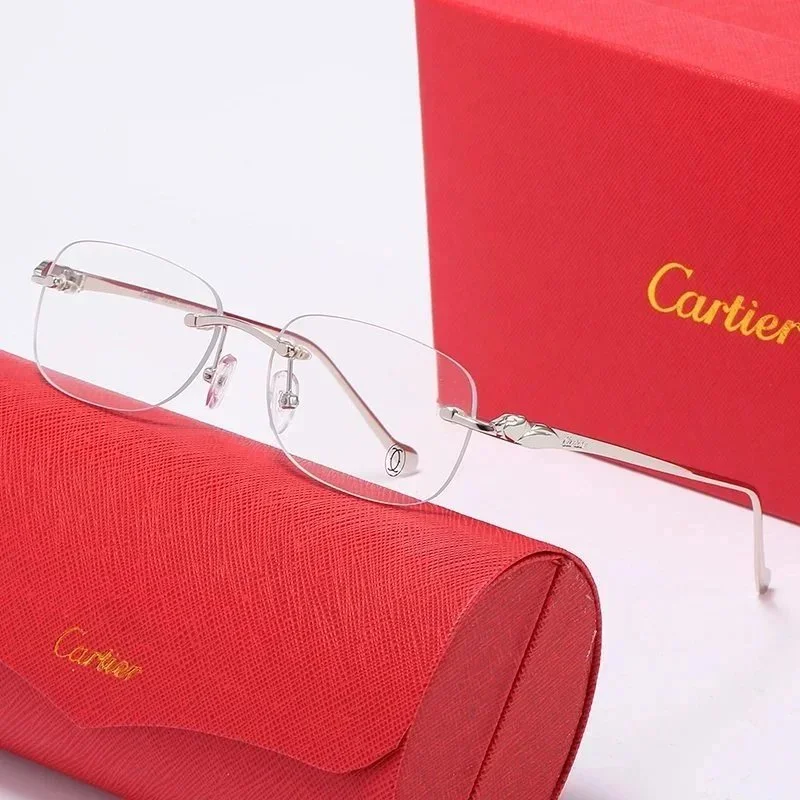
Compare the ordered frame colour and lens option. Ask for both sides, the hinges and a view of the size marking. Check for visible scratches or bent parts in your order photos; request an unobstructed angle if a protective film hides the area you need to see.
Confirm whether a protective case and any ordered accessories are included. Keep packing protection with your parcel request. Photo checks address visible details; they do not test lens performance or establish the material of the frame.
These are editorial comparison checks, with official method sources linked above. Brand charts explain their own methods; use the exact seller’s chart for the products here. We have not worn, measured or independently tested these items.